Receive
Collect the invoice and process context through a form, inbox integration, or scheduled intake.
Turn company-specific rules, prompts, approvals, and actions into workflow applications your team runs through forms, schedules, tables, and boards.
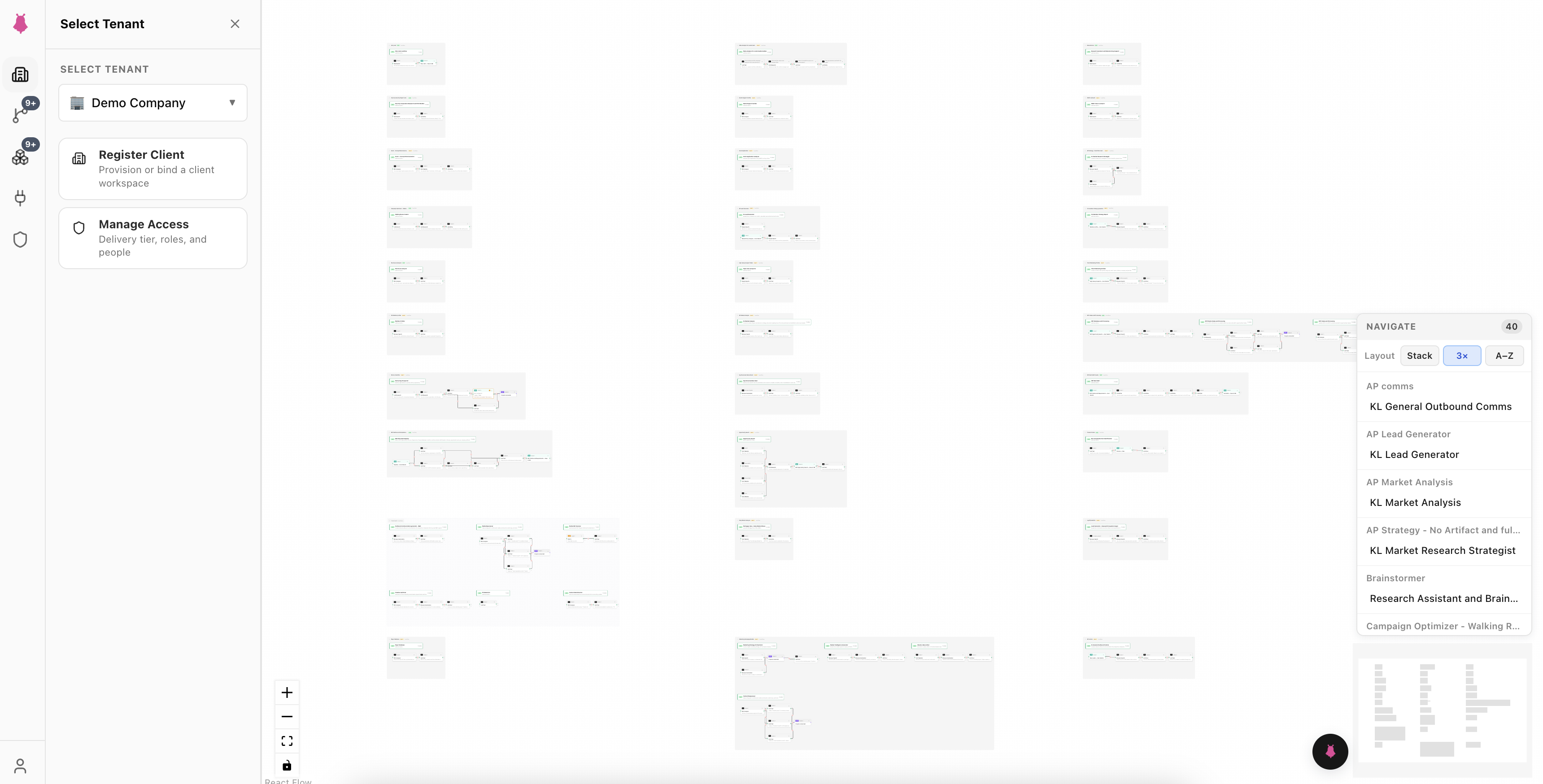
Ghostrun Canvas is a self-serve visual builder and operator workspace in Ghostrun Cloud. Teams create versioned workflow applications, connect data and systems, add human approvals, and run finished work through a shared portal.
Compose multi-step logic with AI steps, deterministic branches, integrations, data writes, and human review.
Package related workflows behind forms and app screens that guide operators through each process.
Launch work on demand or on a schedule, inspect complete run history, and store results in tables and boards.
Canvas keeps extraction, rules, approvals, actions, and operational evidence connected from intake through completion.
Collect the invoice and process context through a form, inbox integration, or scheduled intake.
Use an AI step to identify supplier, amount, dates, line items, and supporting details.
Apply deterministic policies for thresholds, required fields, duplicate checks, and routing.
Pause at the defined approval point and present the full decision context to an authorized operator.
Write the approved result to connected systems and create the next operational task.
Preserve inputs, step results, decisions, and outputs in the workflow run history.
Run workflows on demand or on a schedule. Each run keeps its inputs, step progress, and output.
Package related workflows into apps that give operators a focused interface for each process.
Store outputs in Ghostrun databases, then open, filter, export, and report on the finished work.
Ghost answers from your apps and workflows, runs approved actions, and routes data changes through review.
Canvas keeps business rules, AI steps, approvals, system actions, and interfaces in one application. Version history records each release while run history records each execution.
Canvas includes the visual builder and operator workspace. Request access to receive the current plan scope and subscription price.
Canvas covers the visual building experience and the portal your team uses to run the finished work.
Canvas supports multi-step operational processes that combine AI interpretation, deterministic rules, system integrations, data writes, schedules, and human review.
Operators use focused forms and app screens, launch workflows on demand, review assigned decisions, and work with results in tables and boards.
Canvas provides the visual workflow builder. Ghostrun API Studio publishes the resulting workflow application through authenticated APIs and MCP capabilities.
Canvas runs in Ghostrun Cloud. Ghostrun for AWS provides the Canvas building experience and API Studio delivery capabilities inside your AWS account.
An approval step pauses the workflow, presents the decision context to an authorized operator, and records the response in the run history.
Ghostrun Managed Services provides process assessment, application design, system integration, operation, and ongoing workflow updates for Canvas customers.
Build governed AI workflows and internal workflow applications in Ghostrun Cloud.